Event Management
With Badminton Scoreboard, we create Events to group and manage matches. An event is any collection of matches you may want to manage together, for example a tournament or a fixture in a league.
Creating an Event
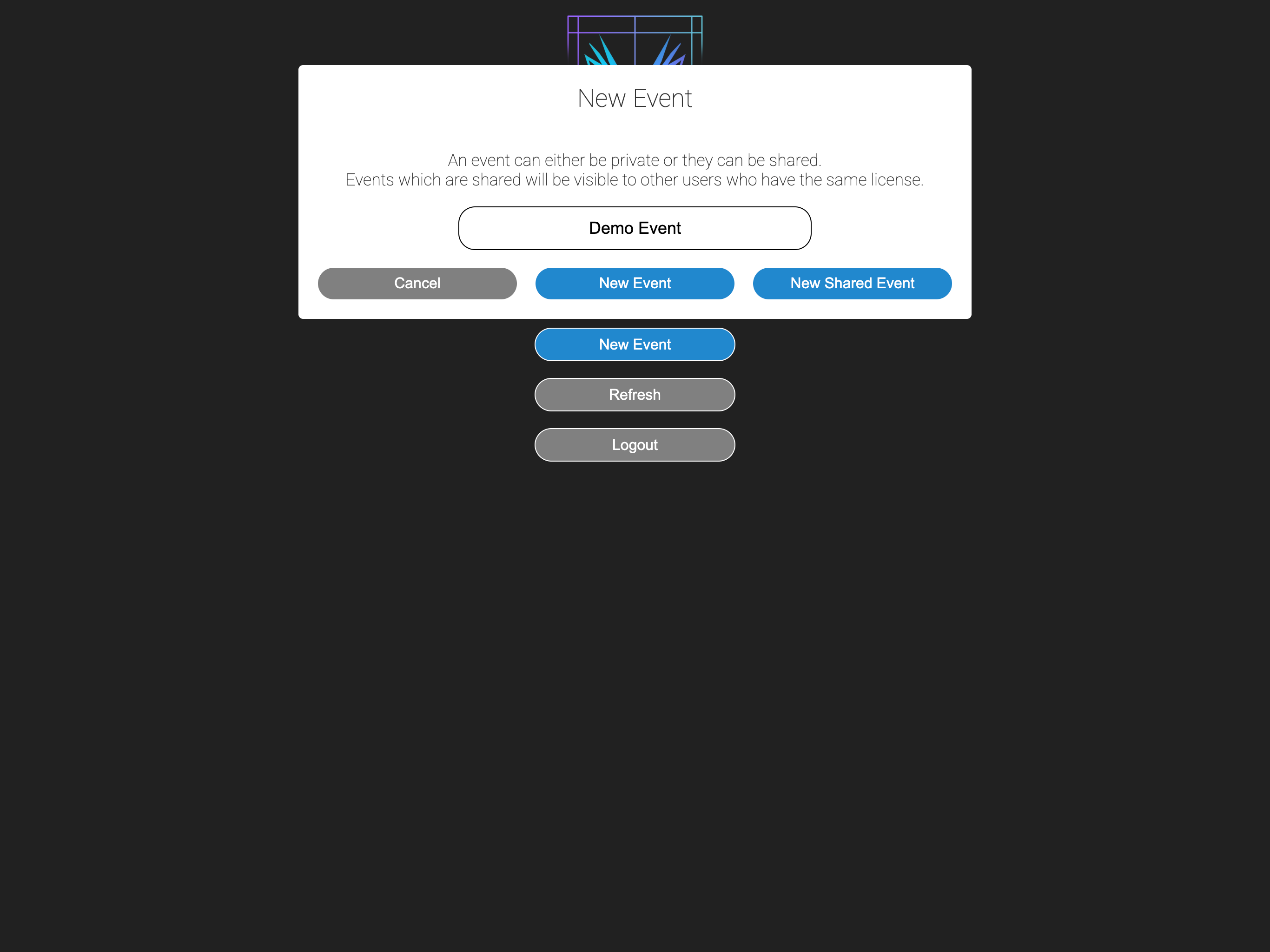
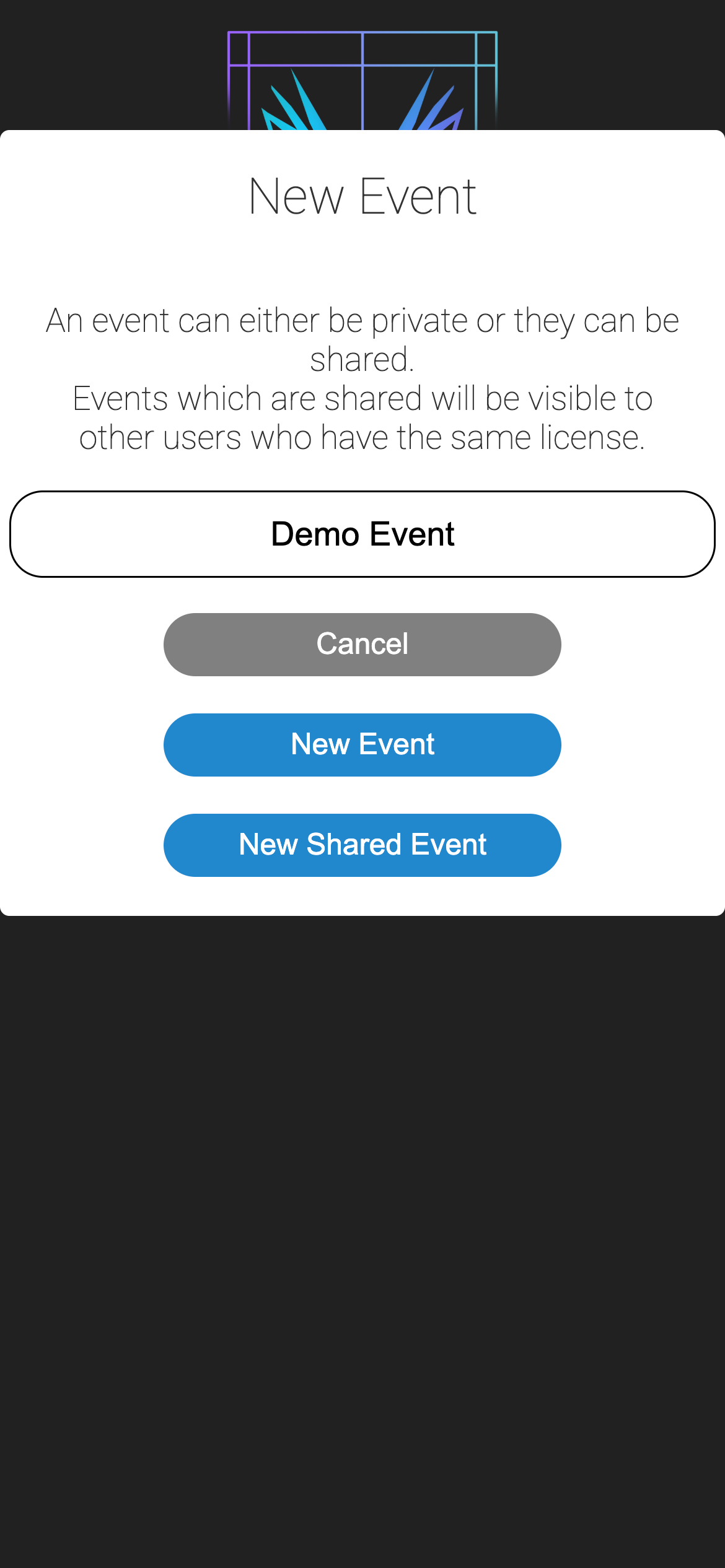
A new event can be created by clicking Create Event on the home page.
Types of Event
There are two event types, standard and shared. A shared event is one that can be managed by any other user registered with the same license key, whereas a standard event is only accessible to the user that created it.
Event Settings
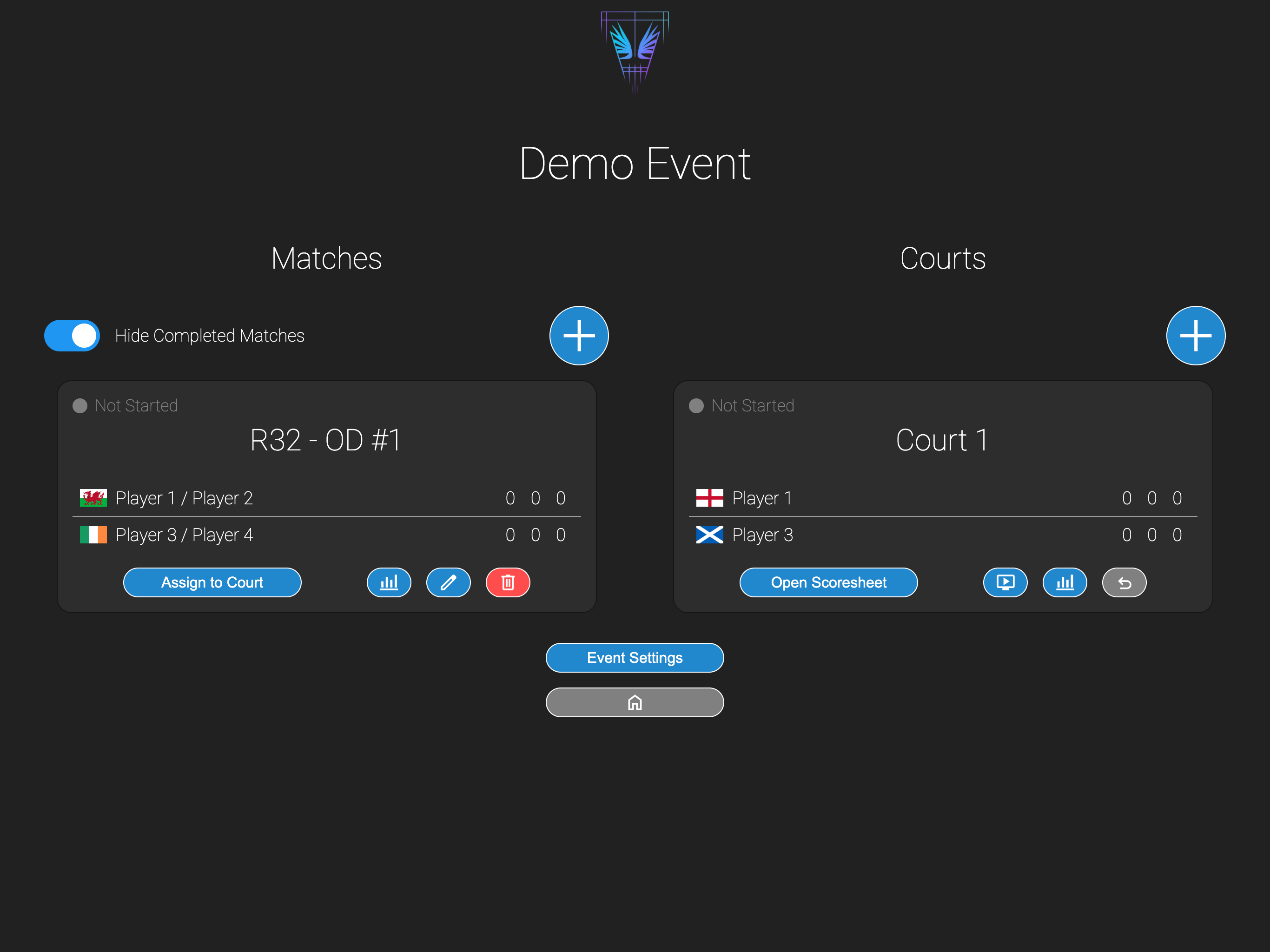
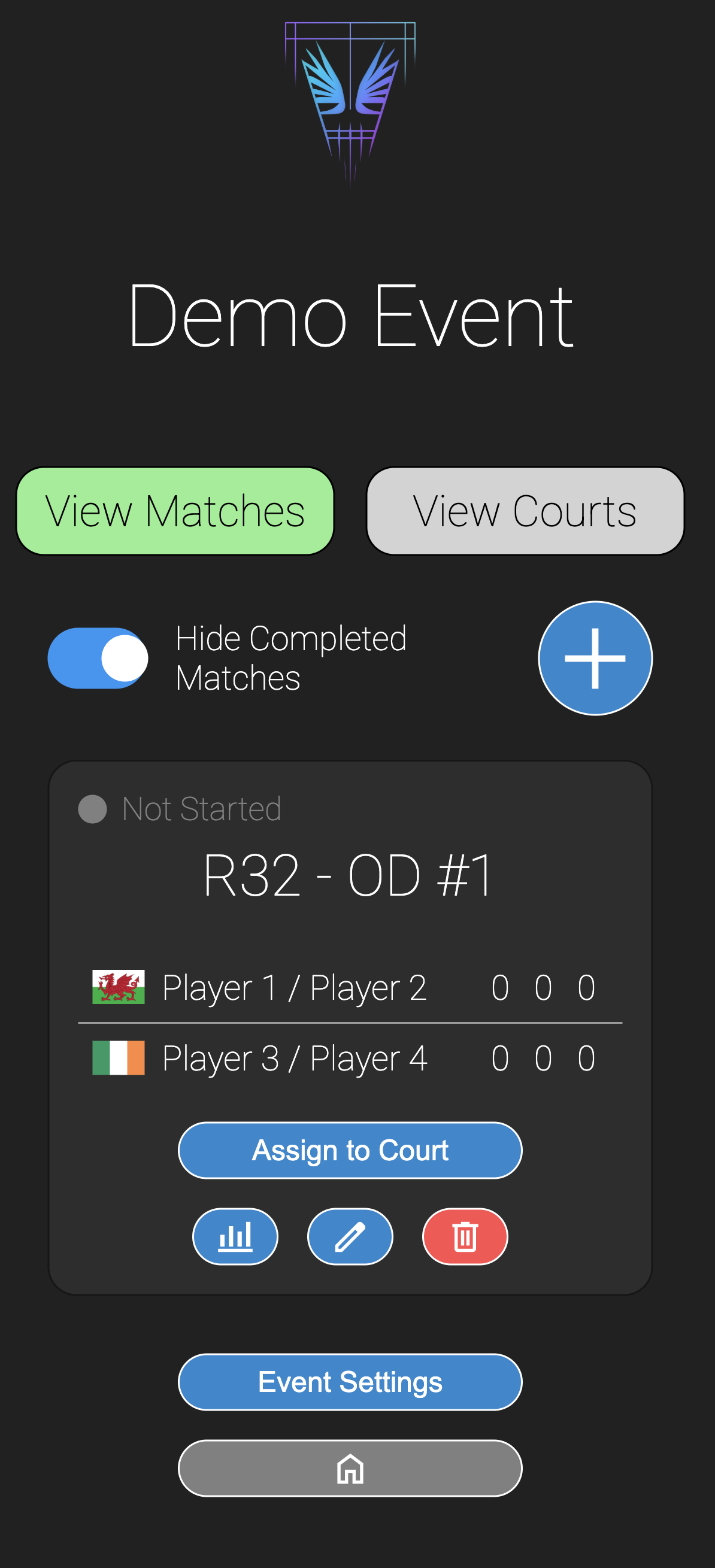
Event settings can be modified by opening the event by clicking View Event on the home page, then clicking Event Settings at the bottom of the page.
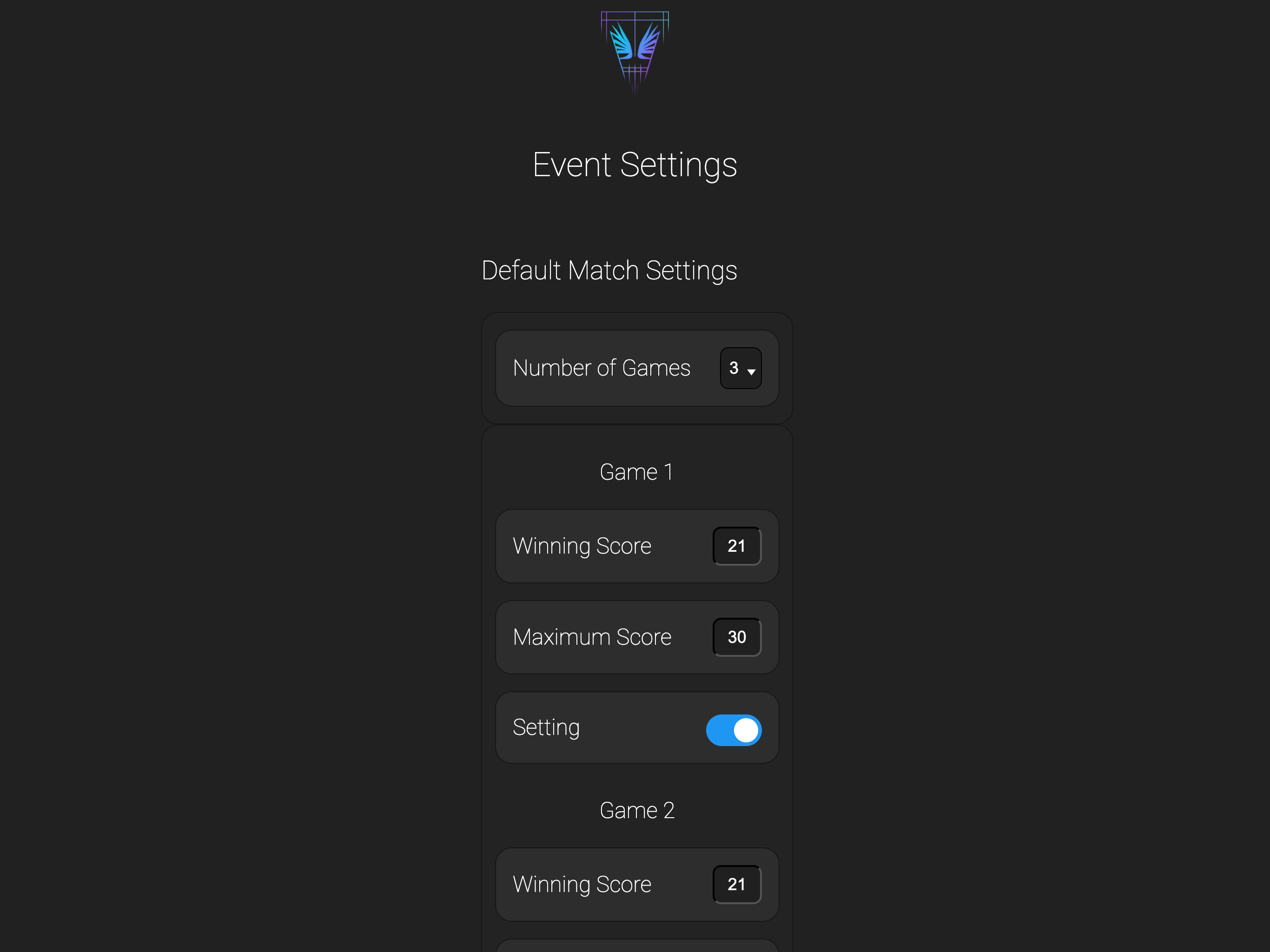
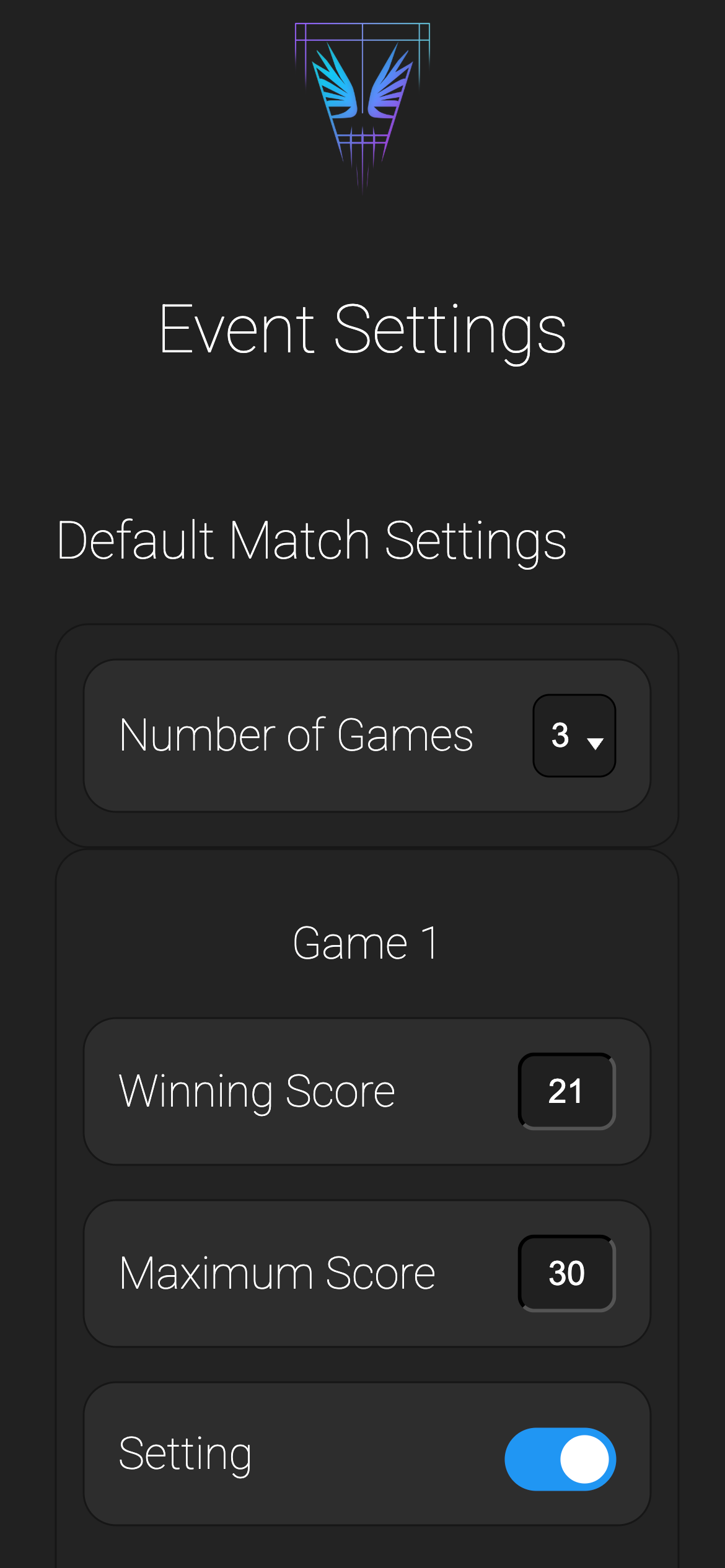
From here, the defaults for the following can be modified:
- How many games are played in a match.
- Options are 1, 3 or 5 games per match.
- The team that wins the majority of games is the winner, and the game finishes as soon as that occurs.
- How many points are played in a game.
- This is the number of points that a team must score to win a game, and is typically 15, or 21 points.
- Whether or not to use 'setting'.
- If 'setting' is enabled, games must be won by a gap of at least 2 points.
- The winning score can be exceeded if there is no clear winning margin.
- If using 'setting', what is the maximum score that can be played to.
- This score is the value at which the game will end regardless of the winning margin.
- The first team to reach this score will win the game.
Note
The defaults are currently, 3 games to 21 points, with setting enabled and a maximum score of 30 points. This will change in 2027 to align with new BWF rules of 3 games to 15 with setting enabled and a maximum score of 21 points.
Each game has independent settings, allowing for freedom of choice in how matches are played.
Once happy, click Save to save the settings, or click Done to cancel and return to the event view.
Ending an Event
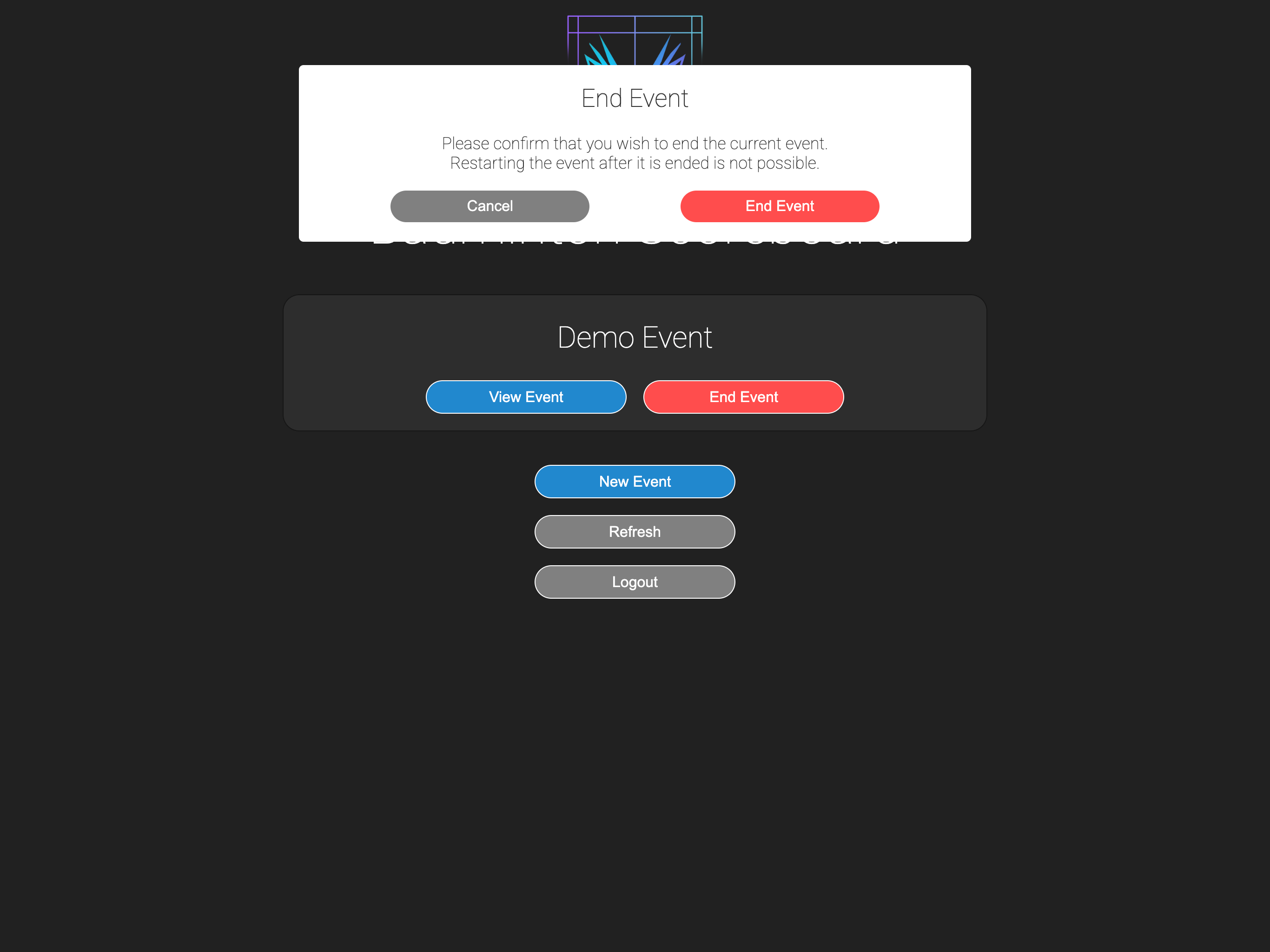
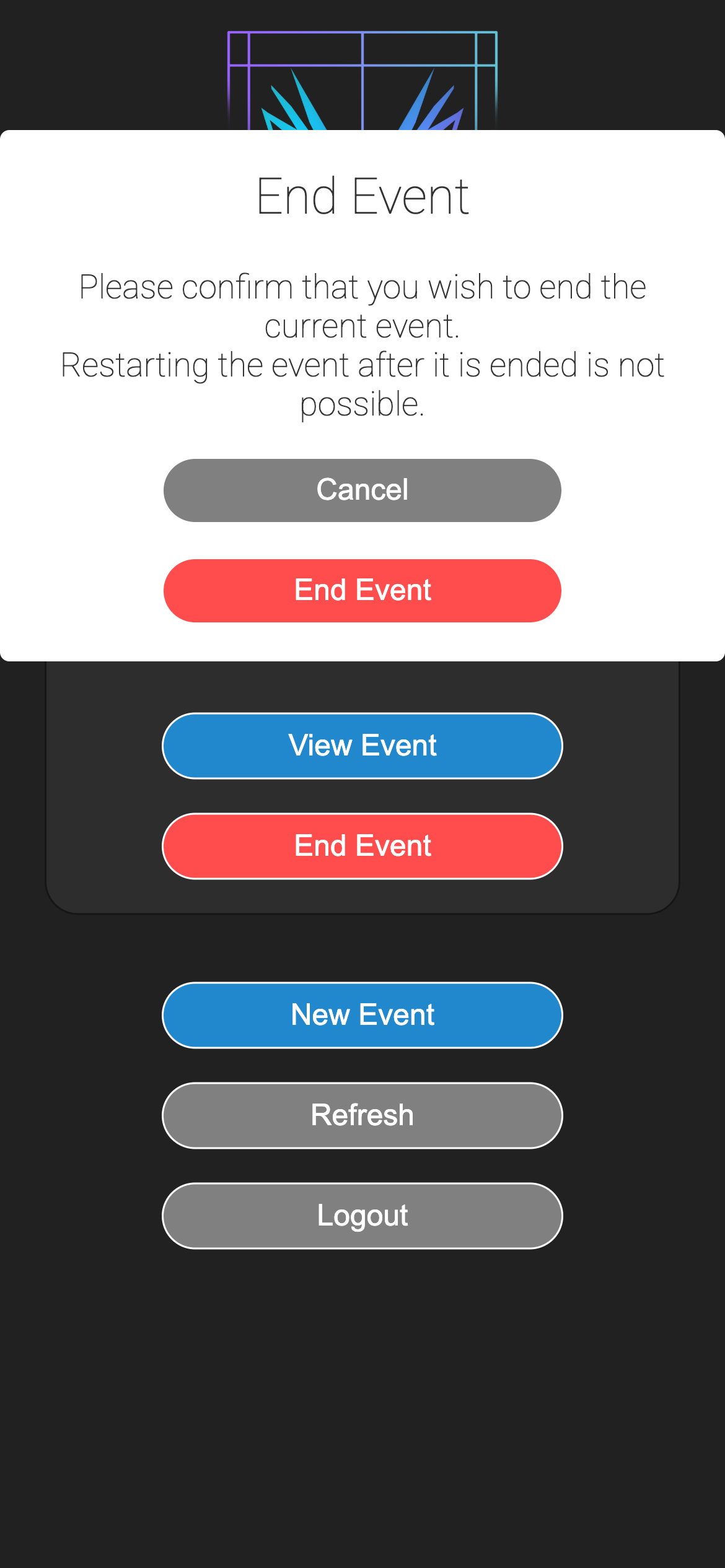
Ending an event is as simple as clicking End Event on the home page and confirming the action.
Warning
Ending an event is a permanent action and cannot be undone. Once an event has been ended, it will no longer be accessible to any user.