Quickstart
Login
Visit the home page at https://www.badmintonscoreboard.com and click Login.
Logging in requires an email and password. If you do not have an account, you can create one by clicking Sign Up and following the instructions in Creating an account.
Create an Event
With Badminton Scoreboard, we create Events to group and manage matches. An event is any collection of matches you may want to manage together, for example a tournament or a fixture in a league.
To create a new event, click Create Event on the home page and provide a name, then create a standard or shared event. For details on creating events, and the difference between standard and shared events, please see Event Management.
Once created, open the event by clicking View Event.
Create a Match
Each match is played between two teams, either a single player or a doubles pair.
To create a match, click the blue plus icon on the top right of the Matches section.
Note
If viewing the event on a mobile or vertical screen, ensure the View Matches page is selected at the top.
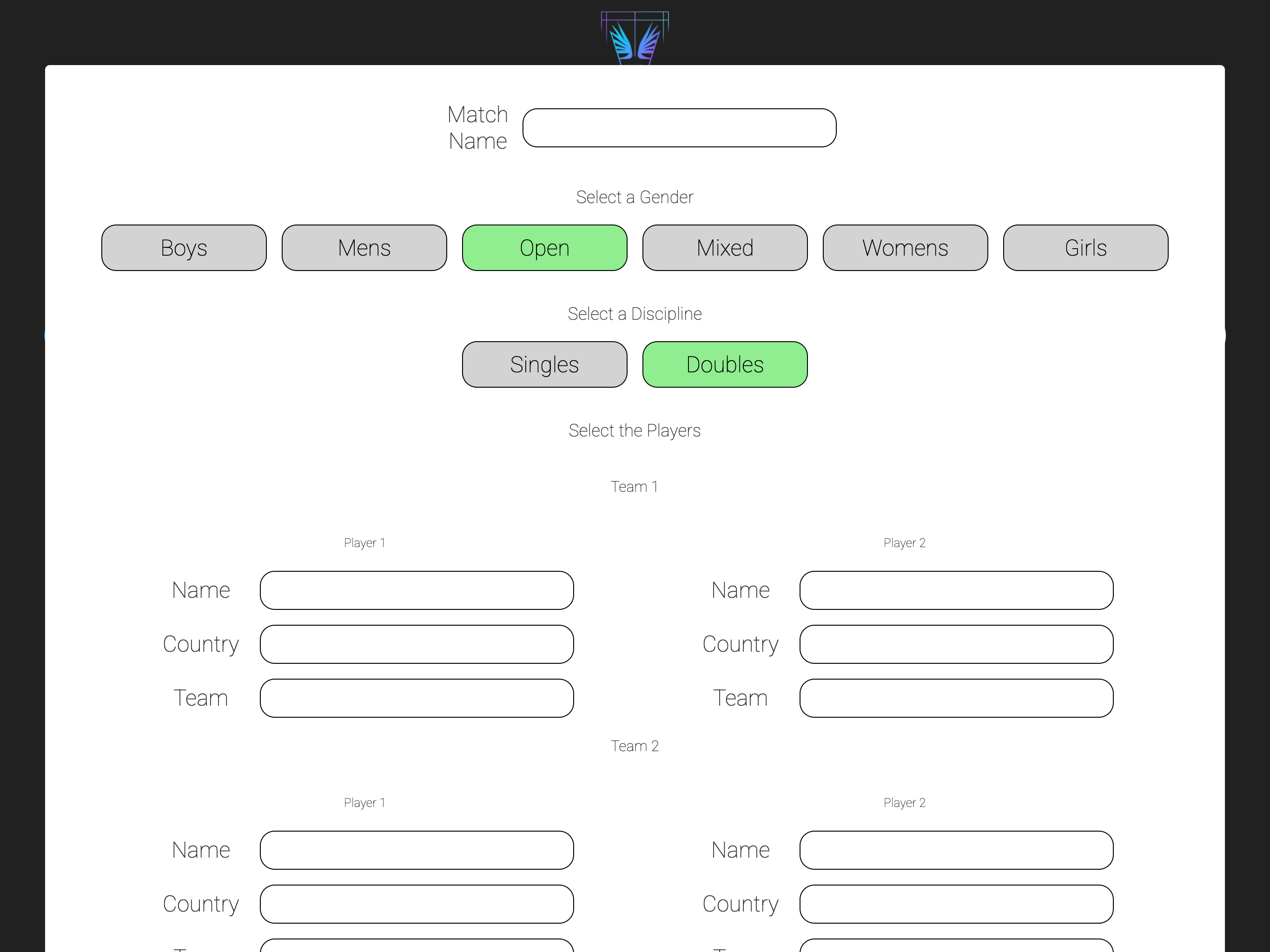
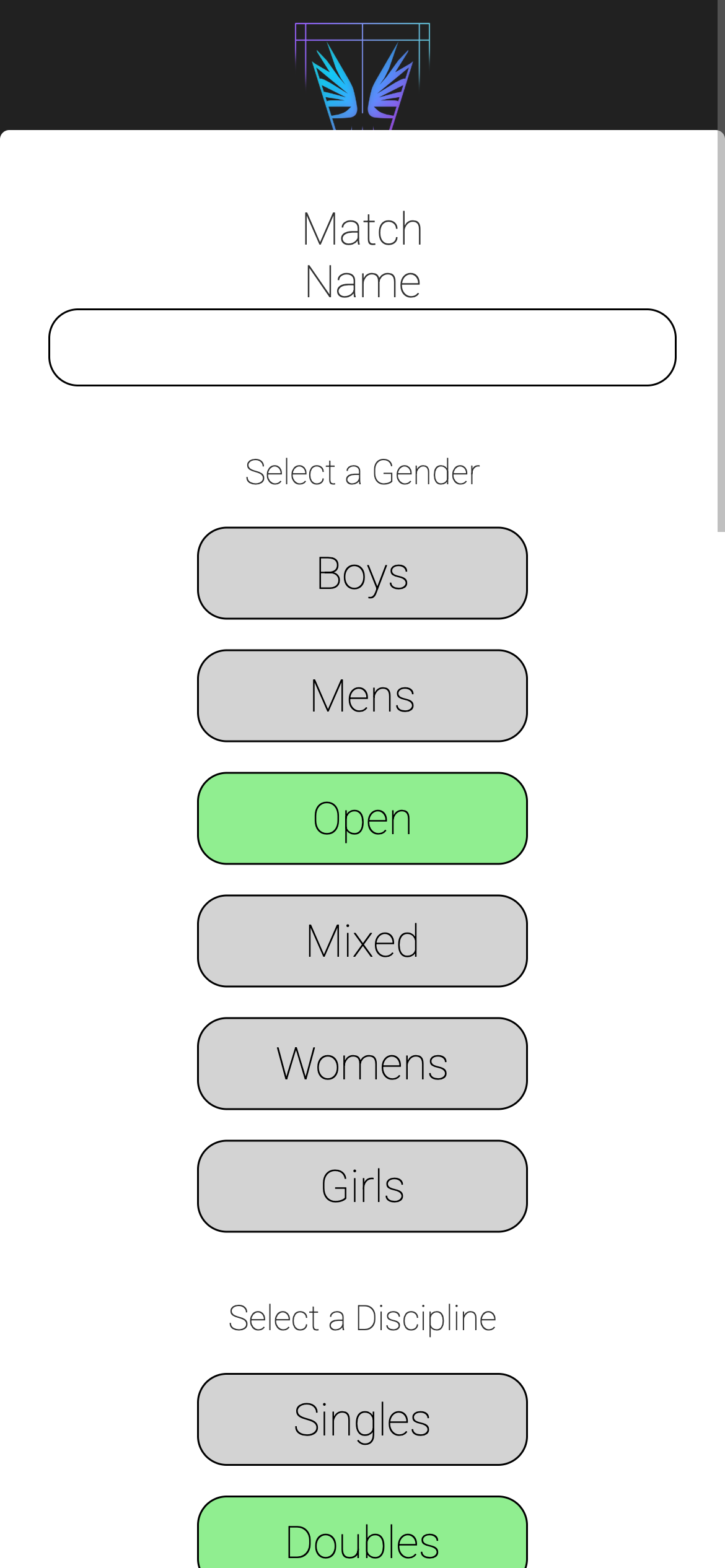
Fill in the match details, providing a name for the match, the format, and the players for each team. Once complete, click Add Match to create the match and return to the event view.
Create a Court
A match must have a court for it to be played on, and a court must be created before a match can be assigned to it.
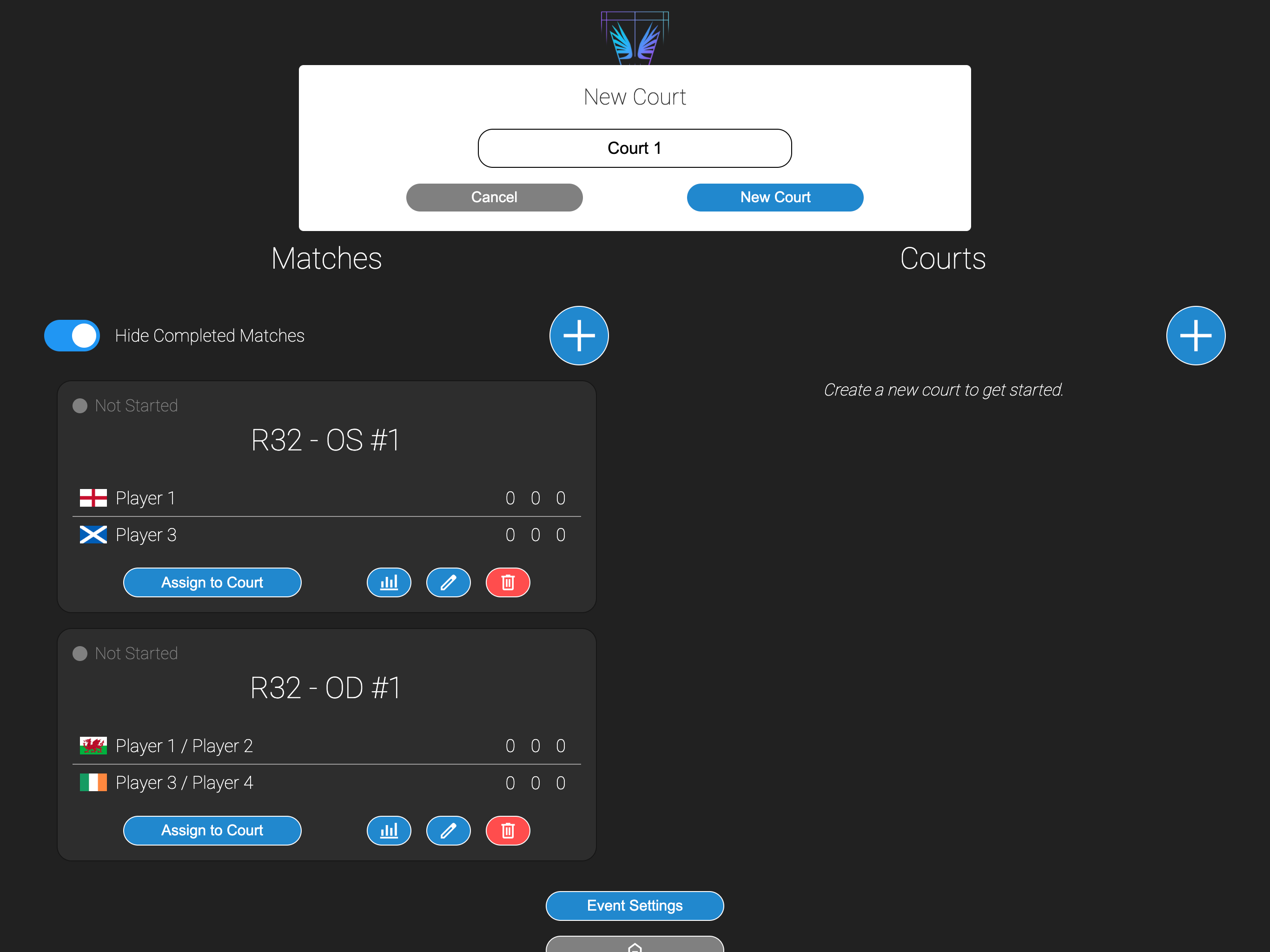
Courts can be created by clicking the blue plus icon on the top right of the Courts section.
Note
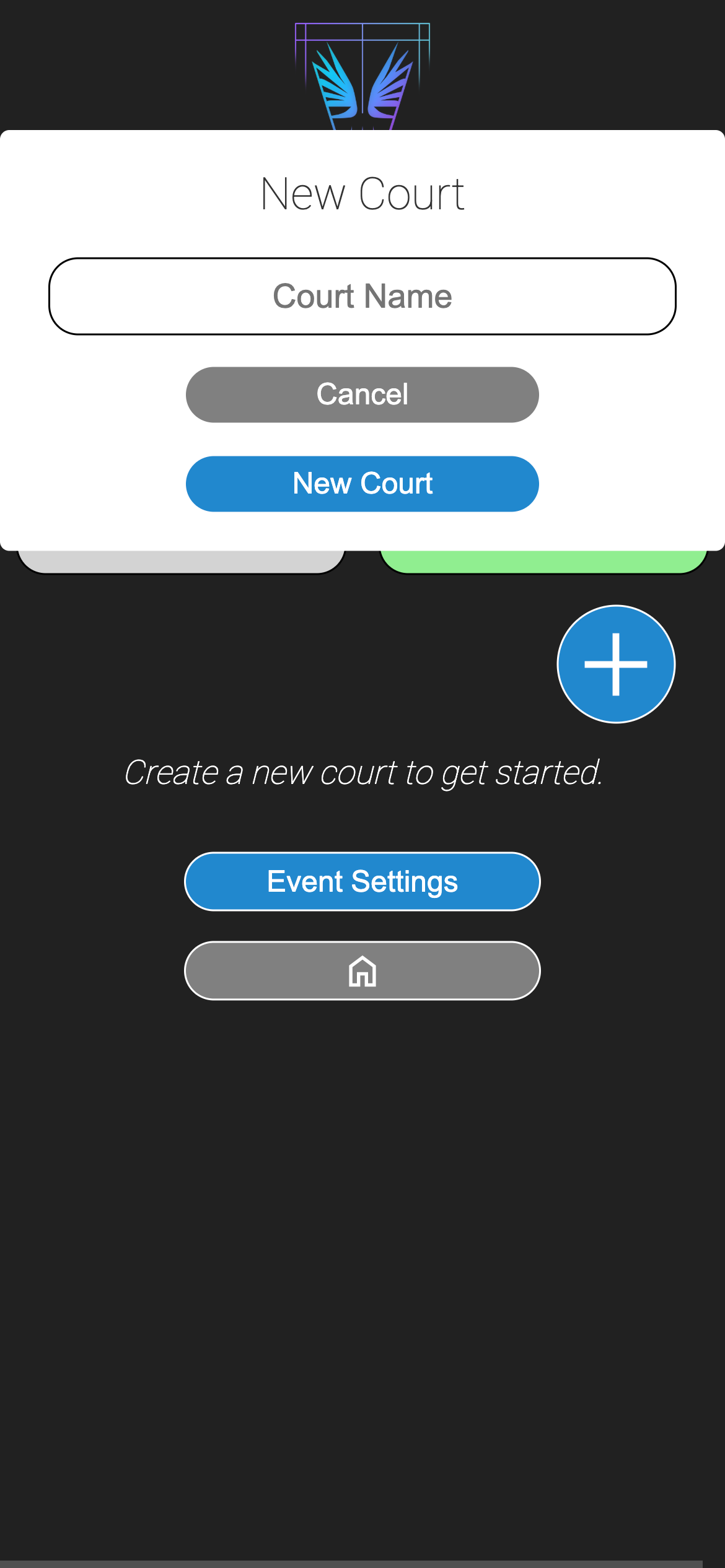
If viewing the event on a mobile or vertical screen, ensure the View Courts page is selected at the top.
Fill in the court details, providing a name for the court and any additional information. Once complete, click New Court to create the court and return to the event view.
Assign a Match to a Court
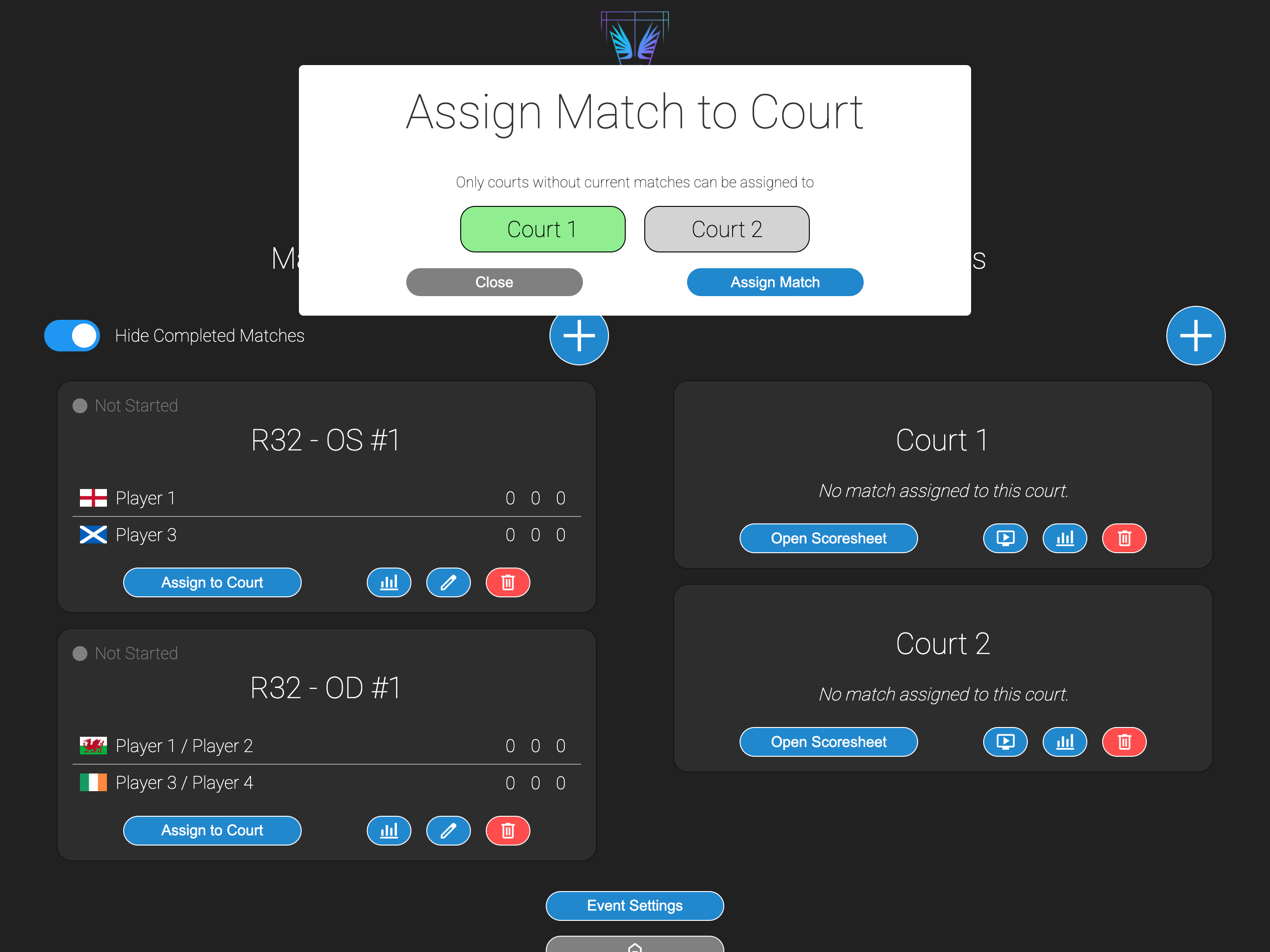
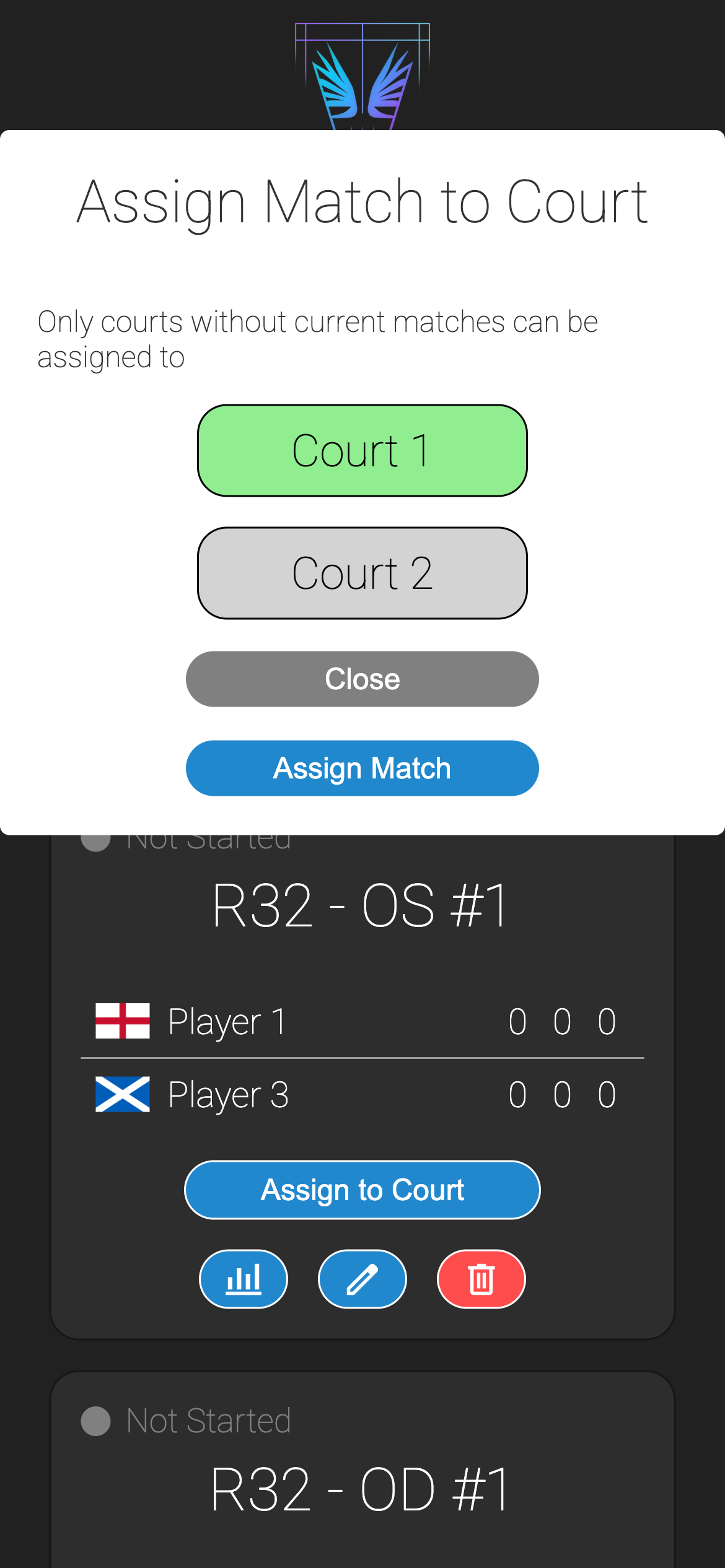
To assign a match to a court, click the Assign to Court button on the match, select the court from the list of available courts and click Assign Match.
Only eligible courts will be displayed in the popup, i.e. courts that are not already assigned. If only one court is available, it will be automatically selected already.
Scoring a Match
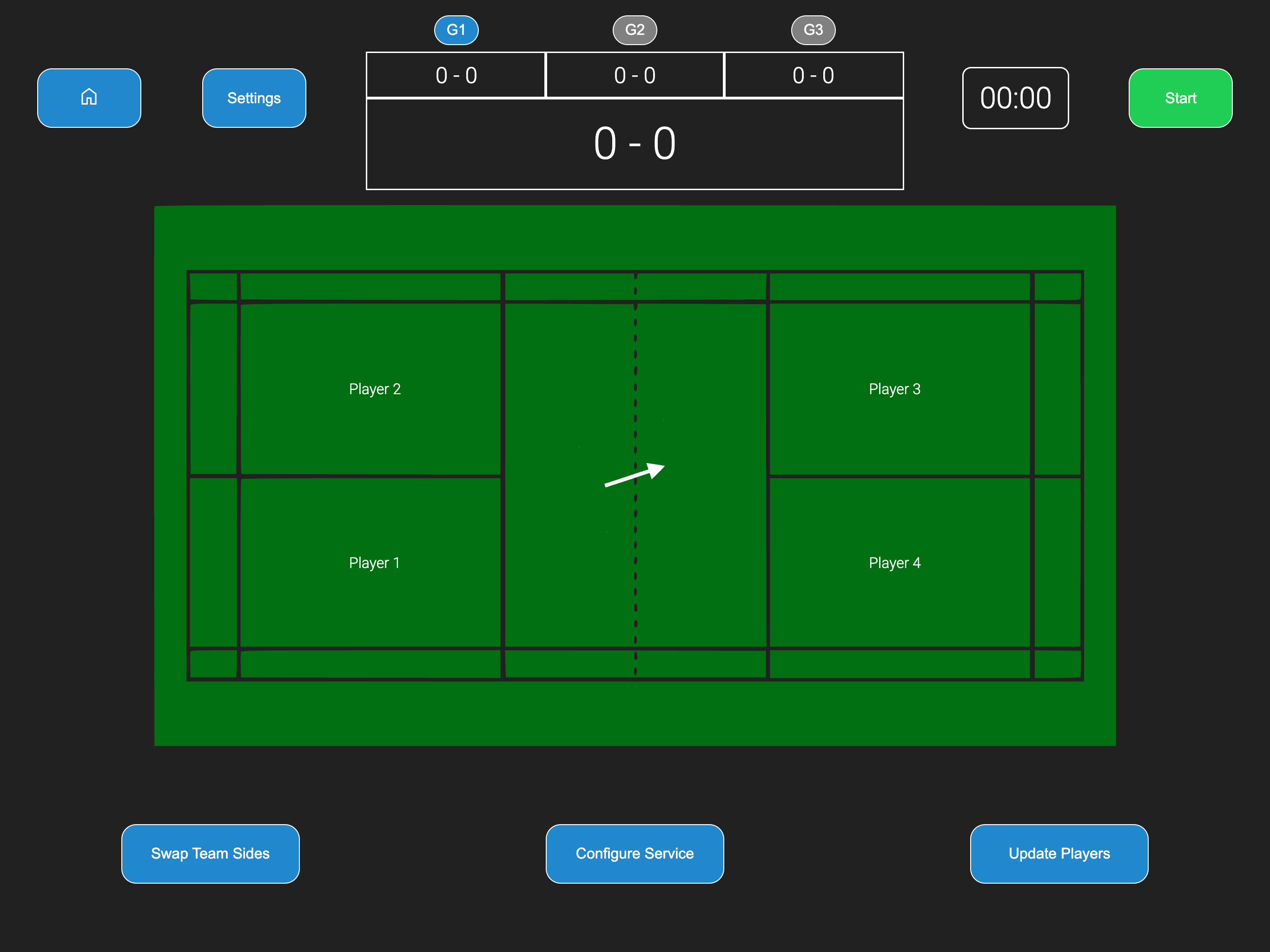
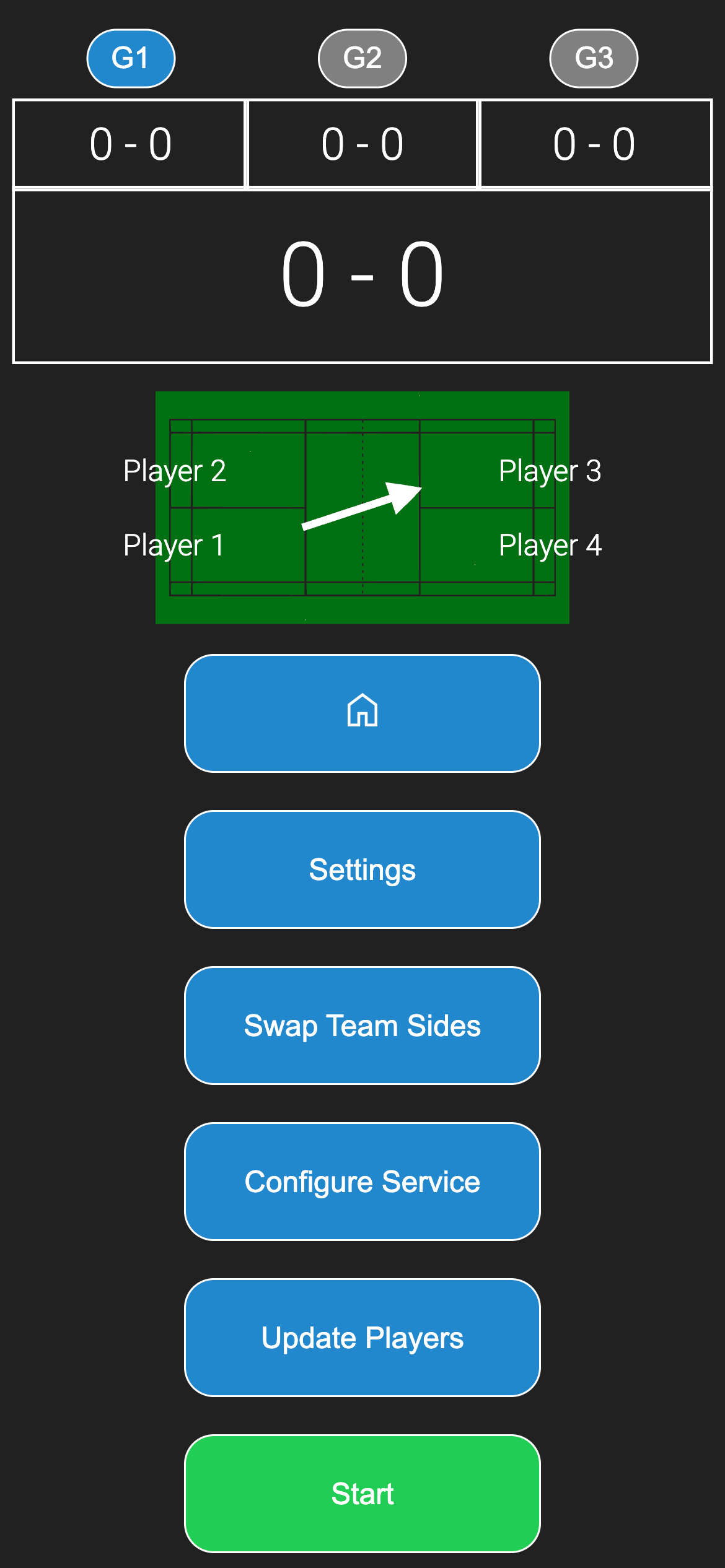
To score a match, you must open the scoresheet for the court that the match is assigned to. This can be done by clicking the Open Scoresheet button on the court.
Scoring a match is covered by the Scoring a Match guide and not discussed here.
Finish and Remove a Match from Court
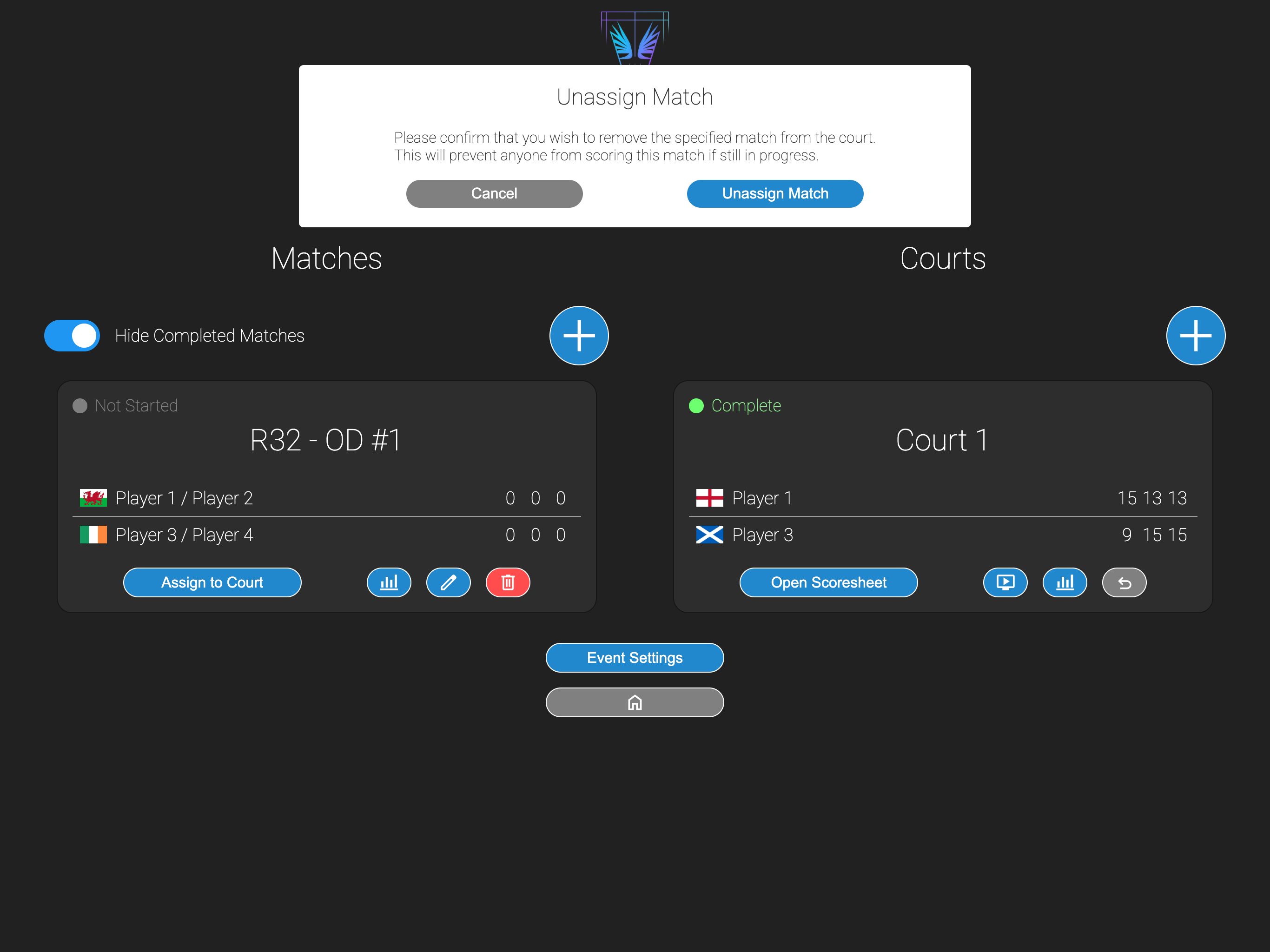
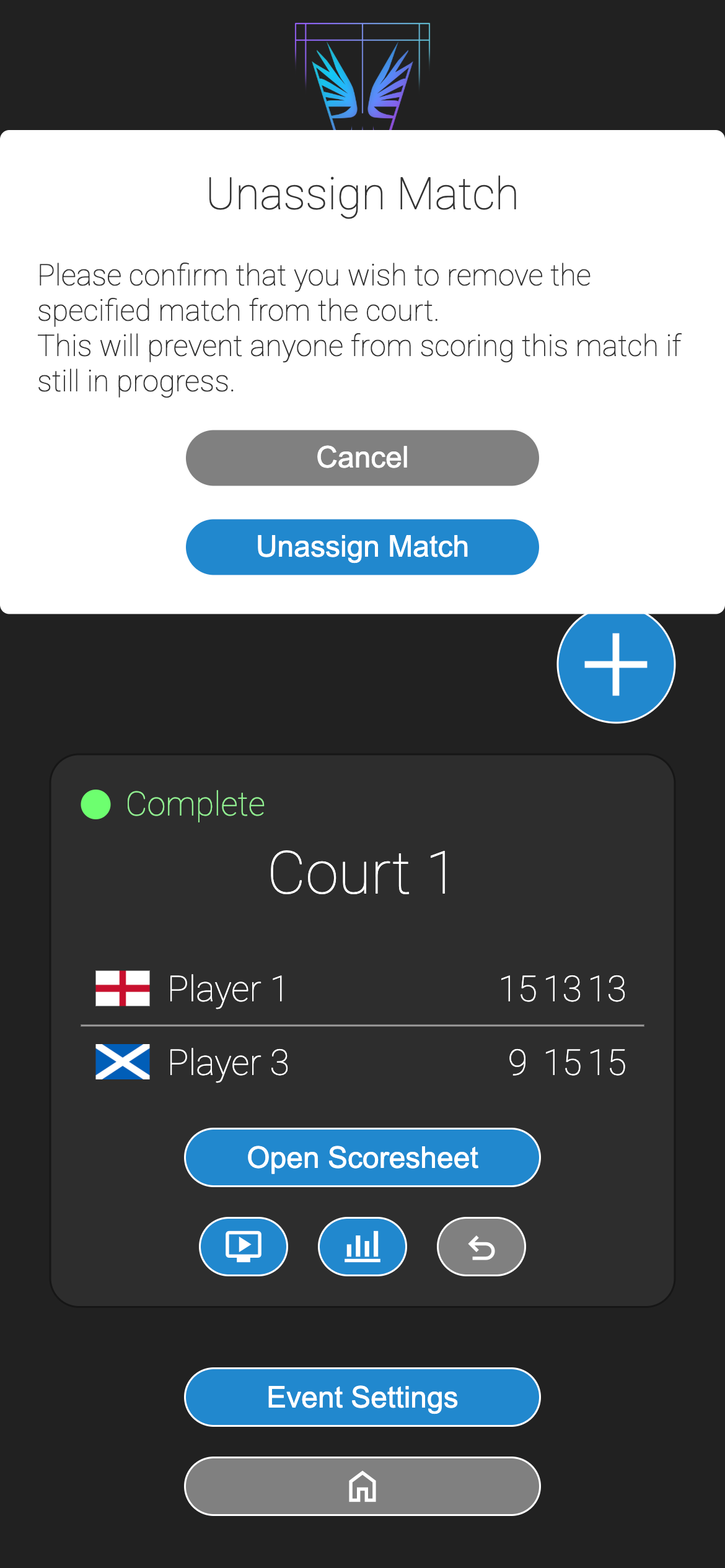
Once a match is completed, the match will show as Complete on the court box on the event view screen. To remove it from the court, click the button on the court view and confirm in the popup.
Once removed, the match will be hidden from view but can be shown in the Matches section by deselecting the Hide Completed Matches toggle.